


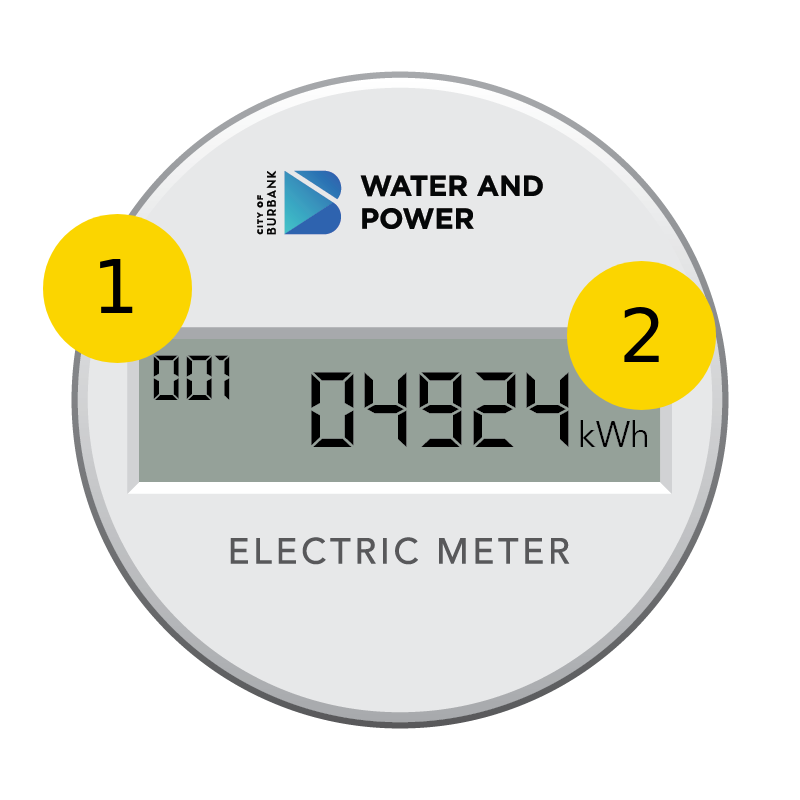
Meter Register ID and Register Value
-
The number at the top left shows the current Register ID, also known as the display identifier code. It shows you what type of data the screen is currently showing.
-
The number at the right shows the current Register Value, also known as the Meter Reading. It displays the actual measurement corresponding to whatever Register ID code is shown at the top left.
The number at the top left shows the current Register ID, also known as the display identifier code. It shows you what type of data the screen is currently showing.
The number at the right shows the current Register Value, also known as the Meter Reading. It displays the actual measurement corresponding to whatever Register ID code is shown at the top left.
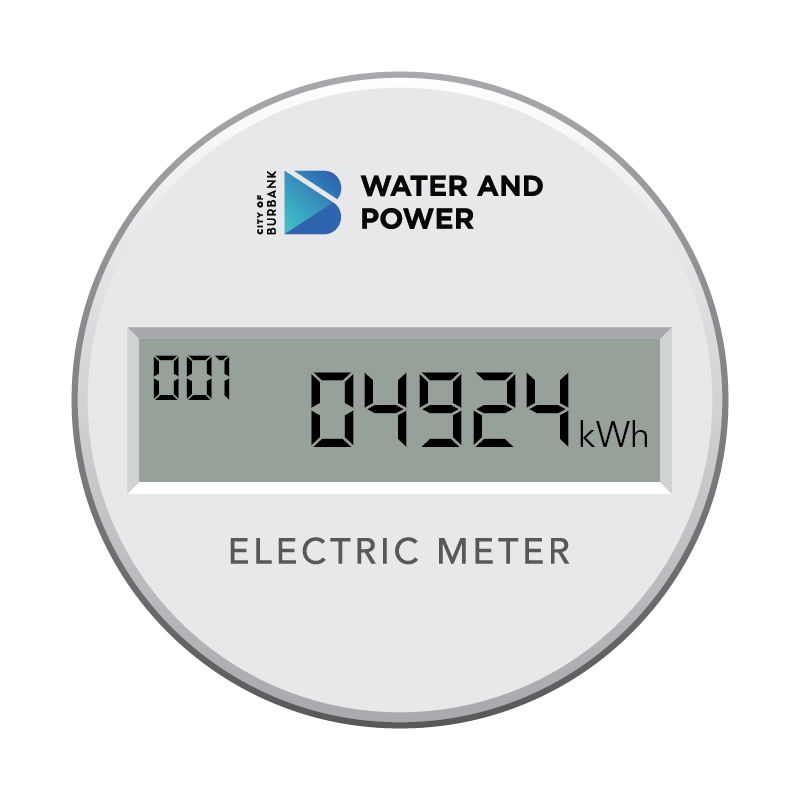
Total Kilowatt Hours used over time
This number shows how much total power is being used over a certain amount of time, similiar to an odometer on a car.
- The number at the top left shows 001
- The number on the right shows a number followed by kWh
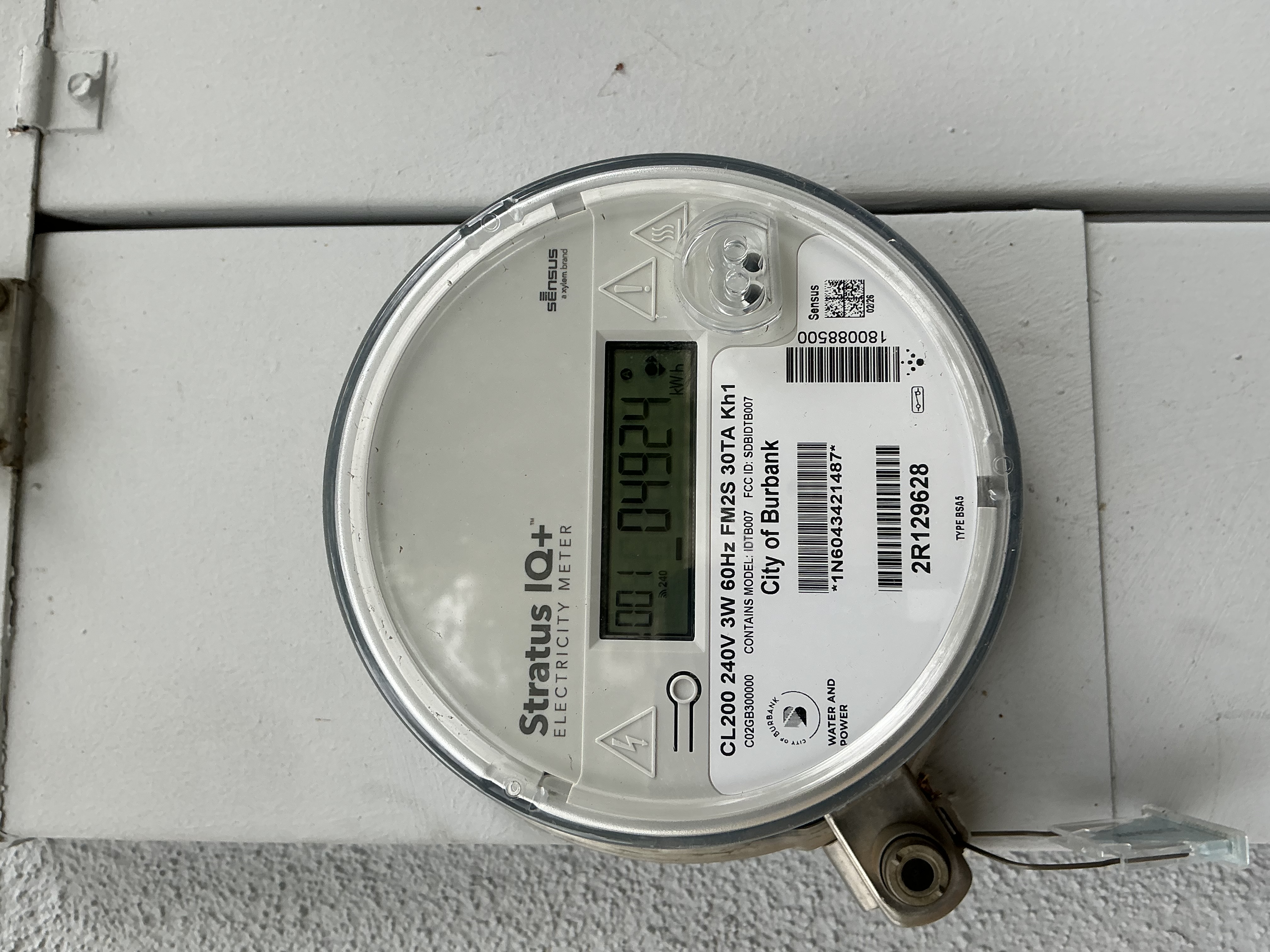
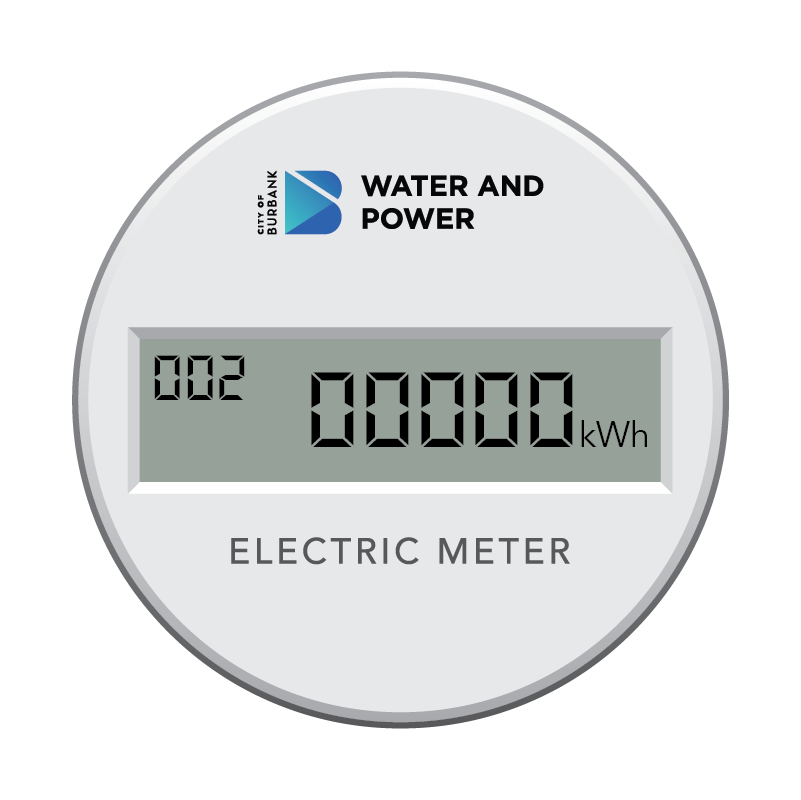
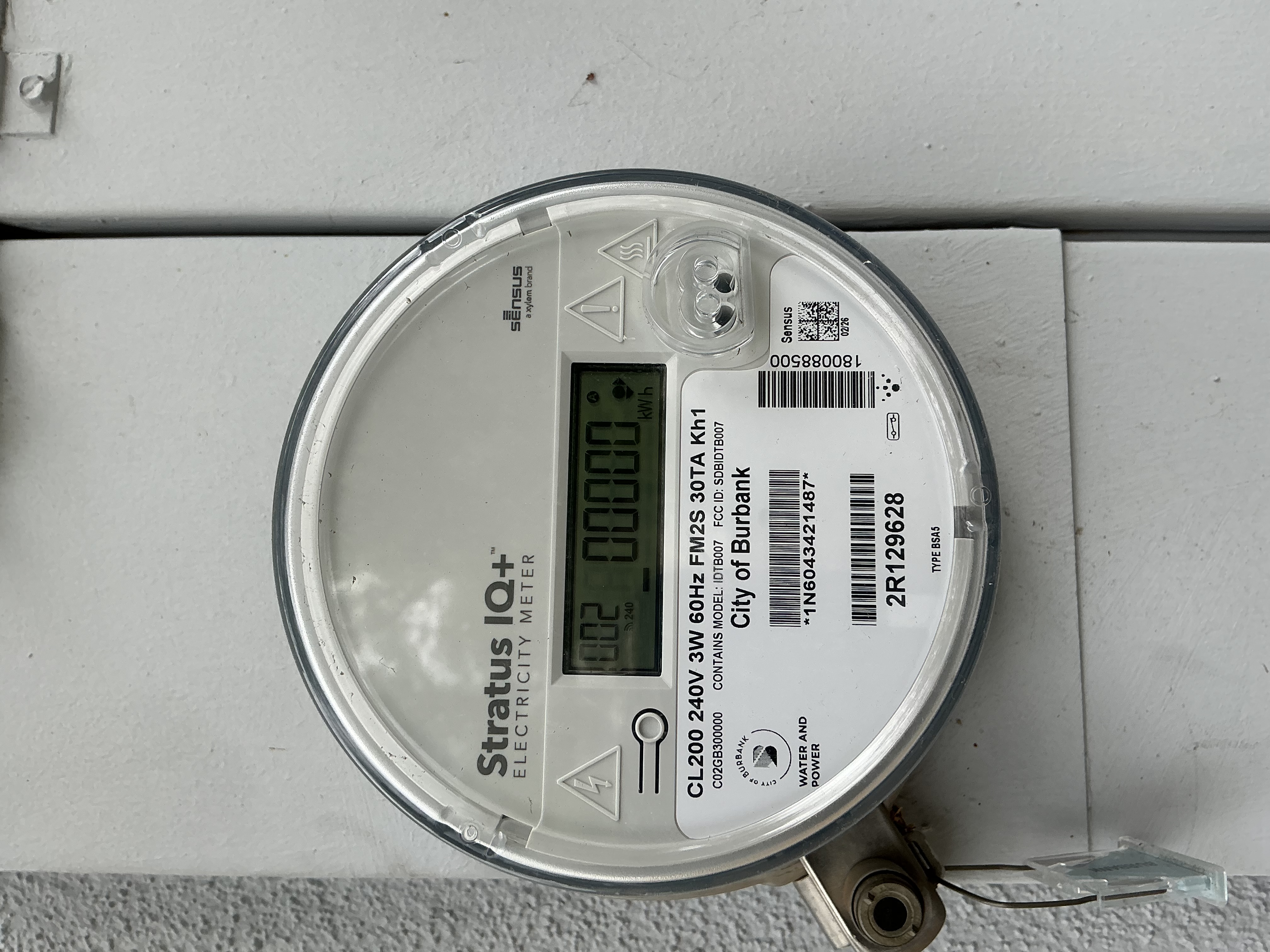
Power being received by BWP
This number shows how much power is being sent to BWP, which will be 0 unless you have solar panels installed.
- The number at the top left shows 002
- The number on the right shows a number followed by kWh
The number of Kilowatts used per 15-minute interval
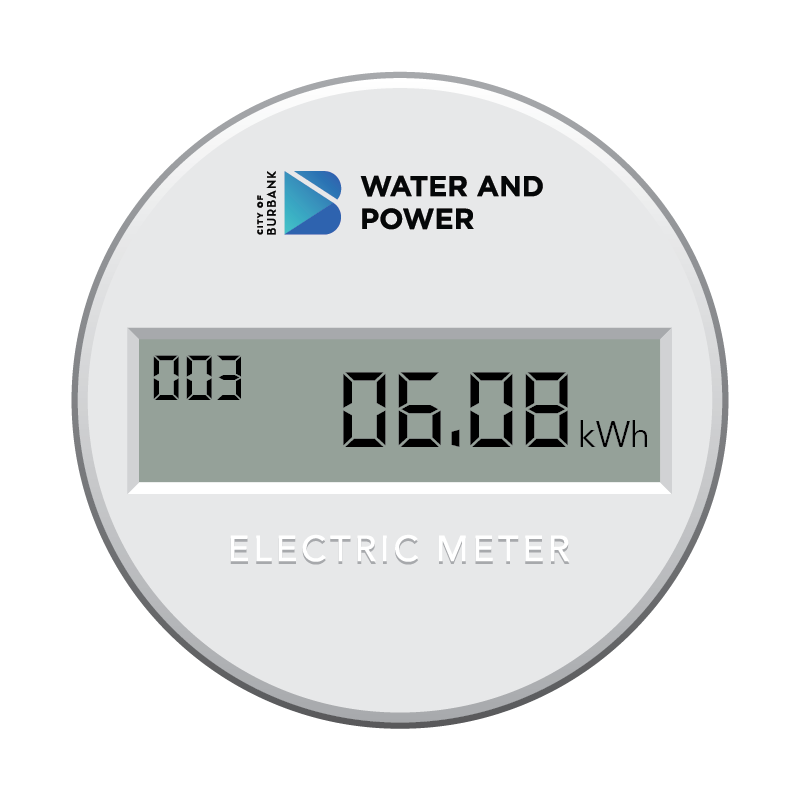
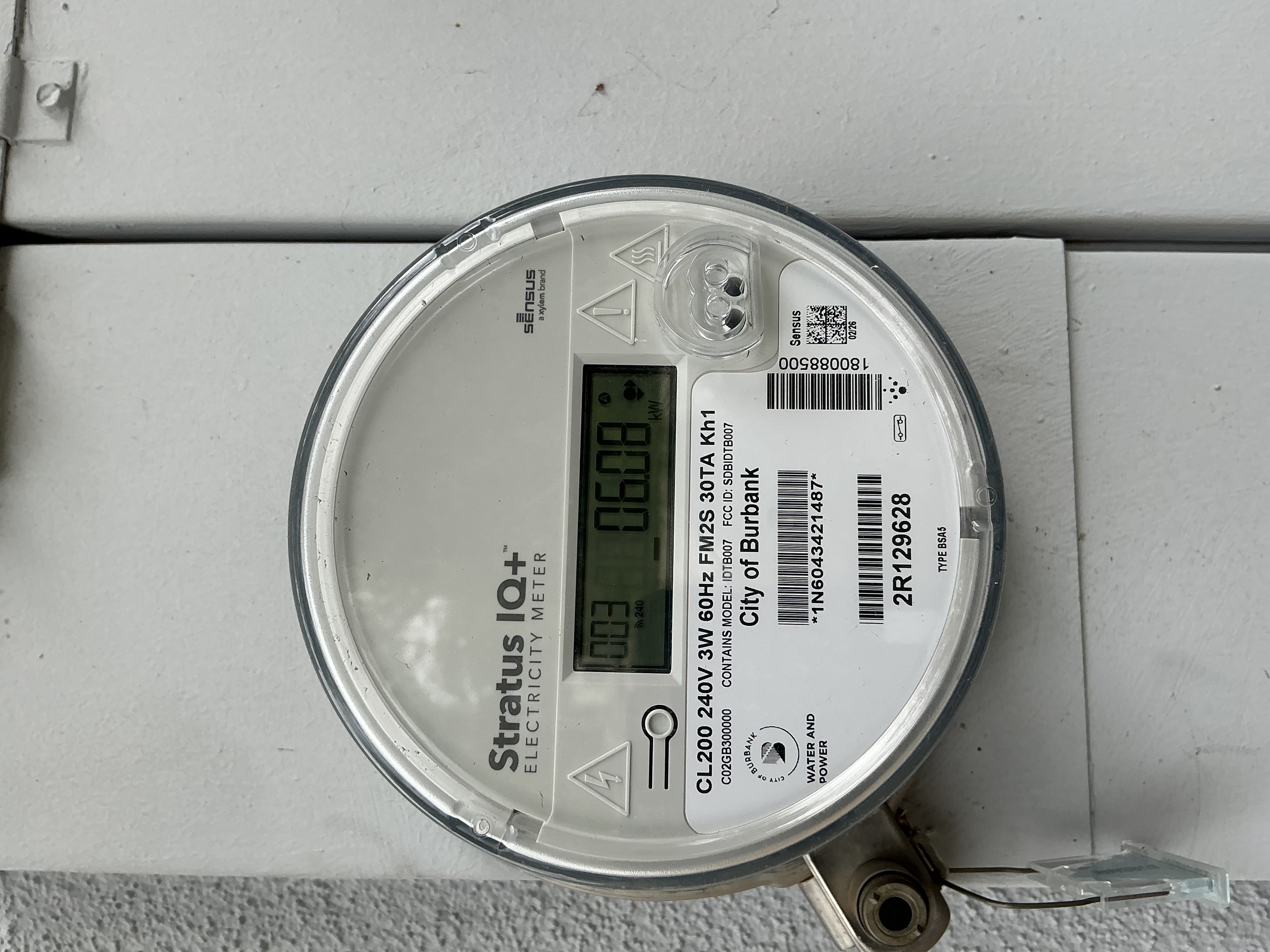
This number shows how much total power is being used over a 15 minute interval.
- The number at the top left shows 003
- The number on the right shows a number followed by kWh
Electric meter status
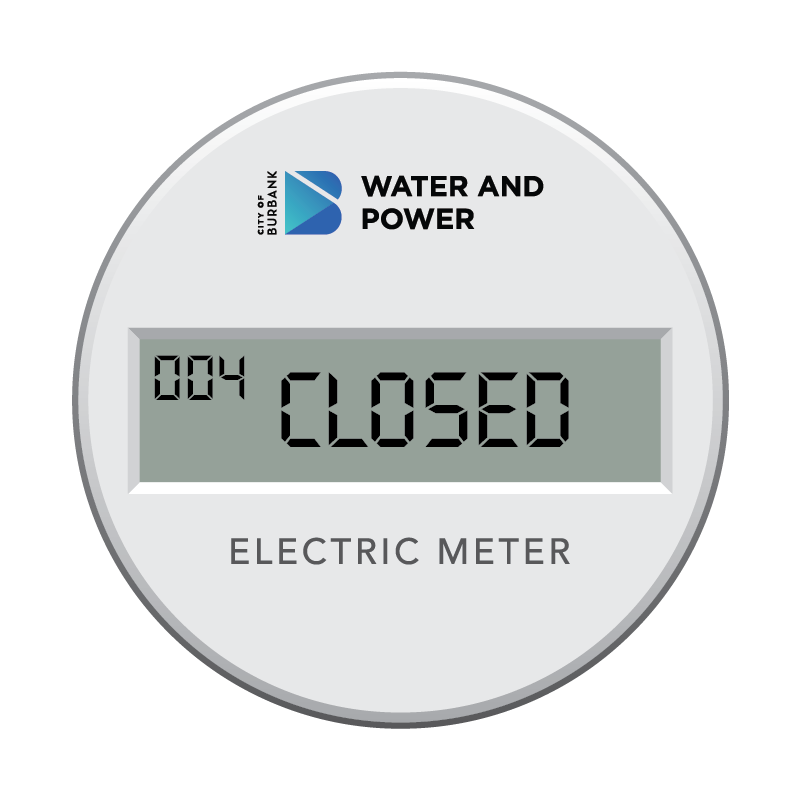
The status of your electric meter. If the text is Closed, power is on. If the text is Open, power is off.
- The number at the top left shows 004
- The text on the right will say Open or Closed
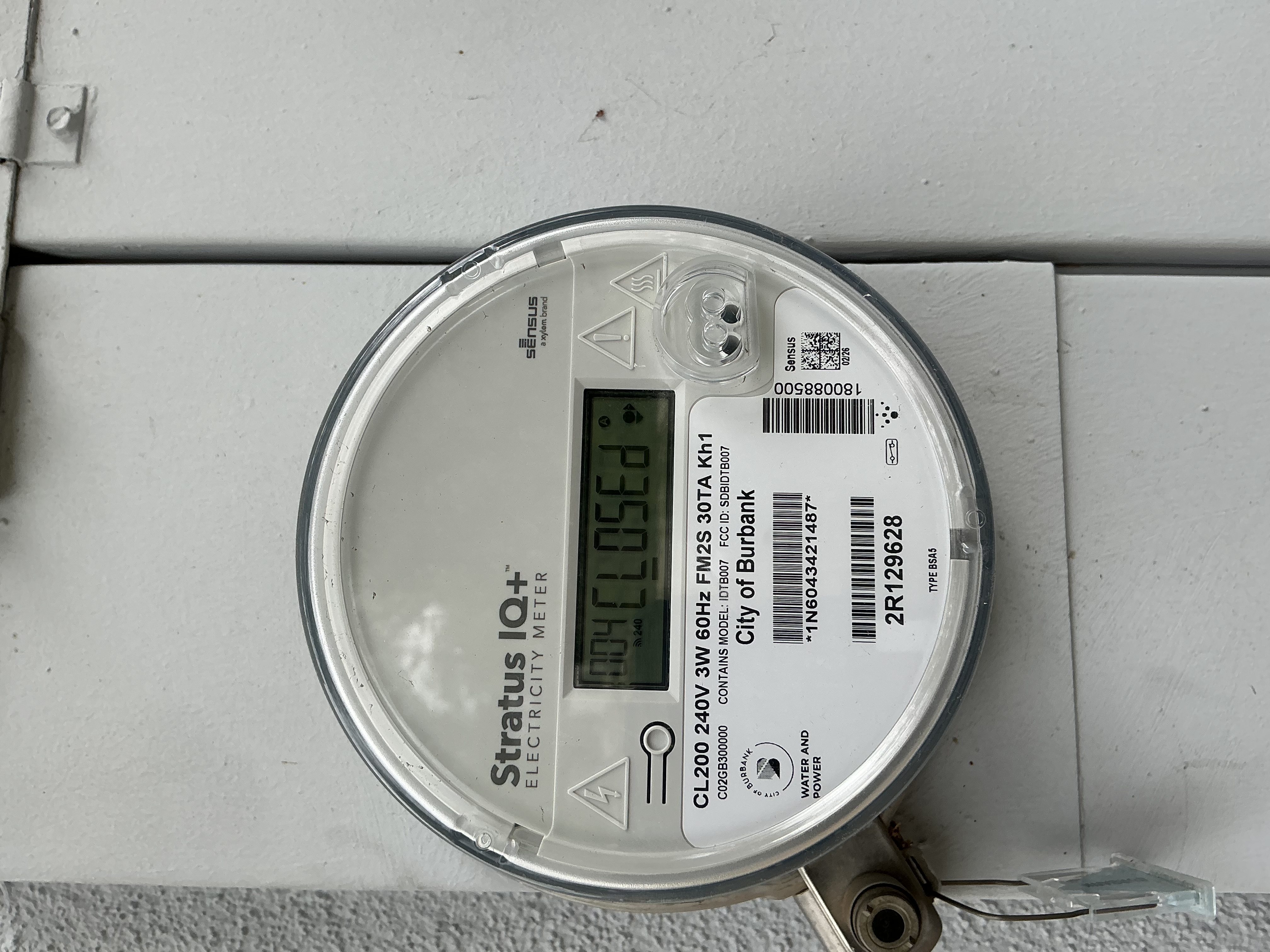

The first message should say 'Closed.' This means that power is on and flowing into the property.

The last number is your kW-hour read. Subtract it from your last read to get your current consumption.
Stay Connected
